Vim-Style Movement
Move the cursor smoothly using H, J, K, L. Hold Shift to slow down for pixel-perfect adjustments, or hold Option/Command to speed up.
 Mosa
Mosa
macOS menu bar utility
Mosa is a powerful utility that lets you control your mouse pointer entirely from the keyboard. Smooth Vim-style movements, precision grid navigation, and instant element scanning.
Includes a 7-day free trial. Download the app and try the Vim-style movements before buying.
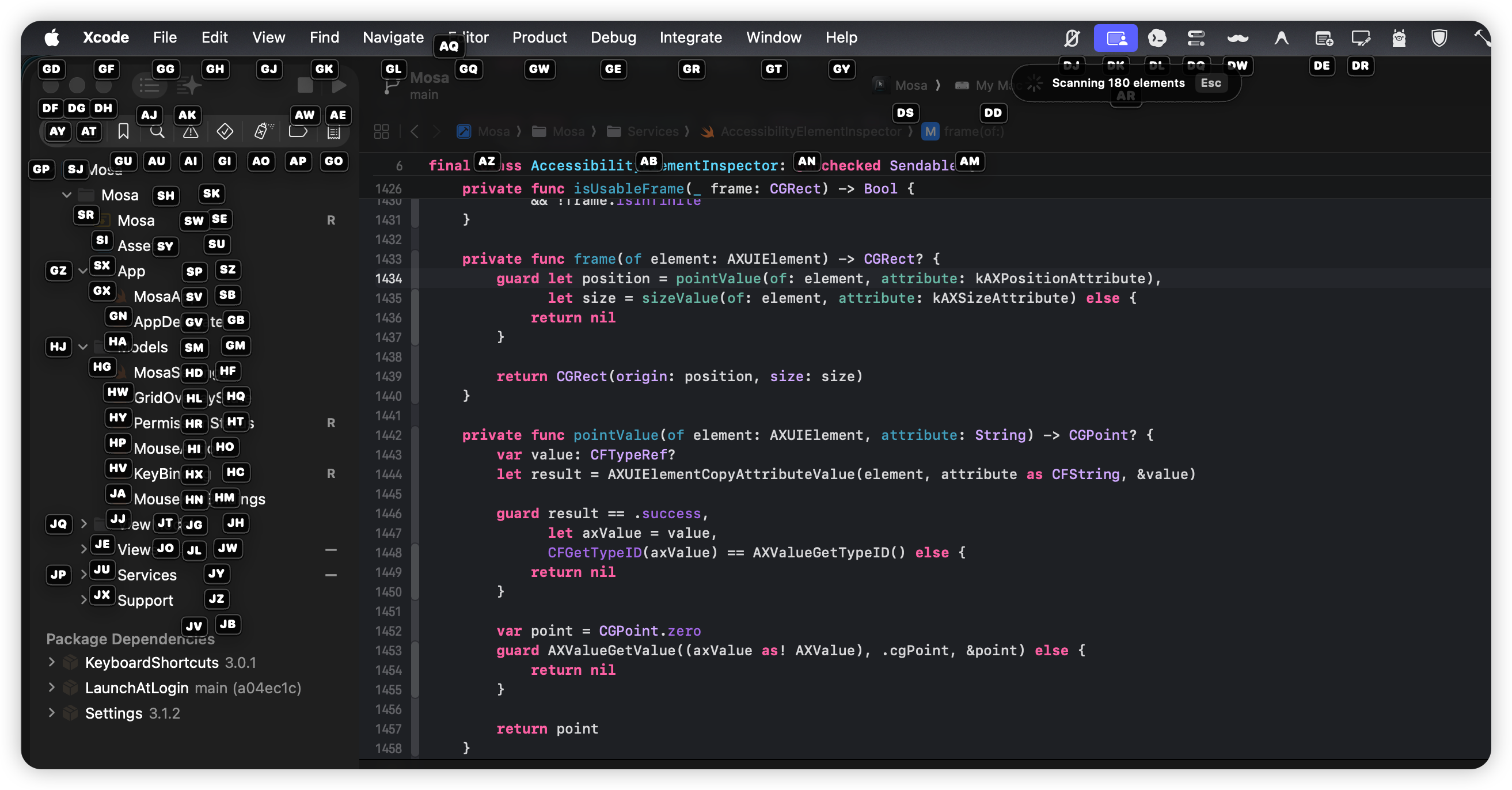
Built for keyboard enthusiasts
Mosa bridges the gap between text editing and OS navigation. Whether you are using Xcode, a terminal, or browsing the web, you can now point, click, scroll, and drag without ever reaching for the trackpad.
Features
Move the cursor smoothly using H, J, K, L. Hold Shift to slow down for pixel-perfect adjustments, or hold Option/Command to speed up.
Scan the active window for interactive UI components. Press the displayed key badges to instantly click buttons, links, or focus text inputs.
Subdivide your screen into a 26x26 grid (labeled aa to zz) to target any location rapidly without scanning.
Scan a localized area around the cursor for interactive UI components, providing a faster and more focused search.
Clicking a text field automatically exits Mouse Mode after a brief delay, allowing seamless transitions to typing.
Effortlessly jump between multiple monitors or displays by pressing S and selecting the screen number.
Snapshots
Instantly scan for interactive elements and click them by typing their assigned badge.
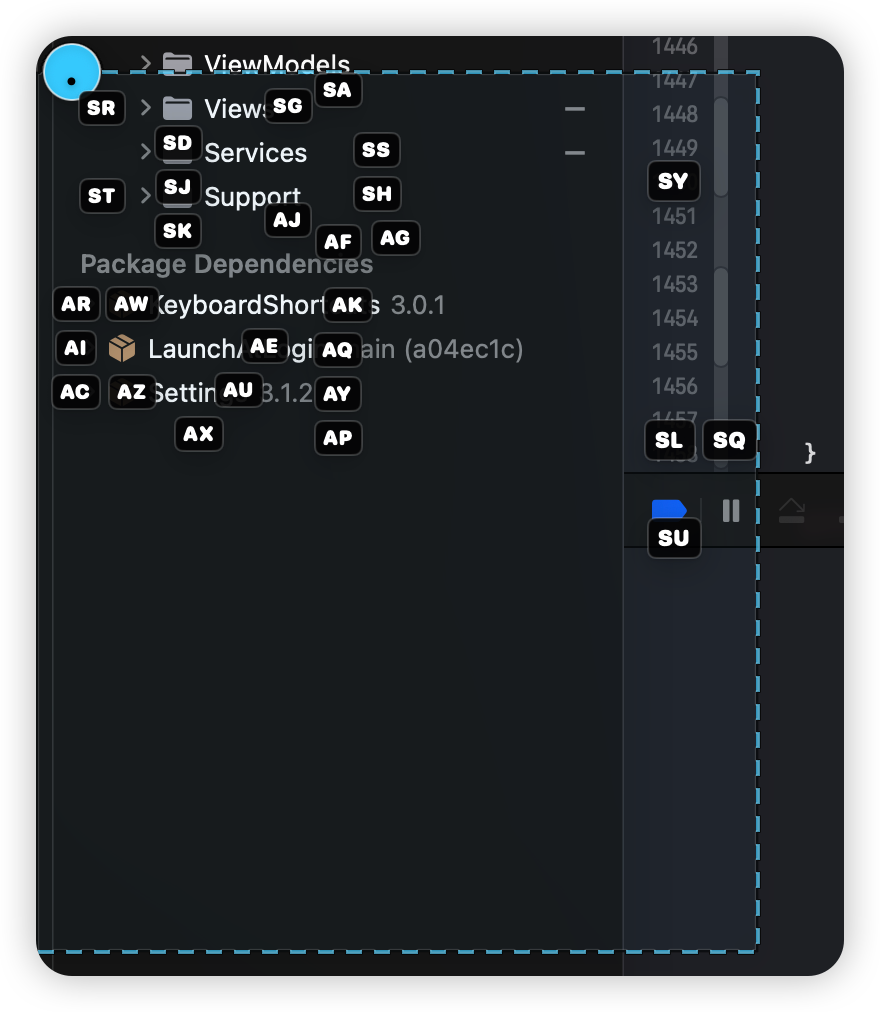
Focus your search to a specific area around the cursor for a cleaner overlay.
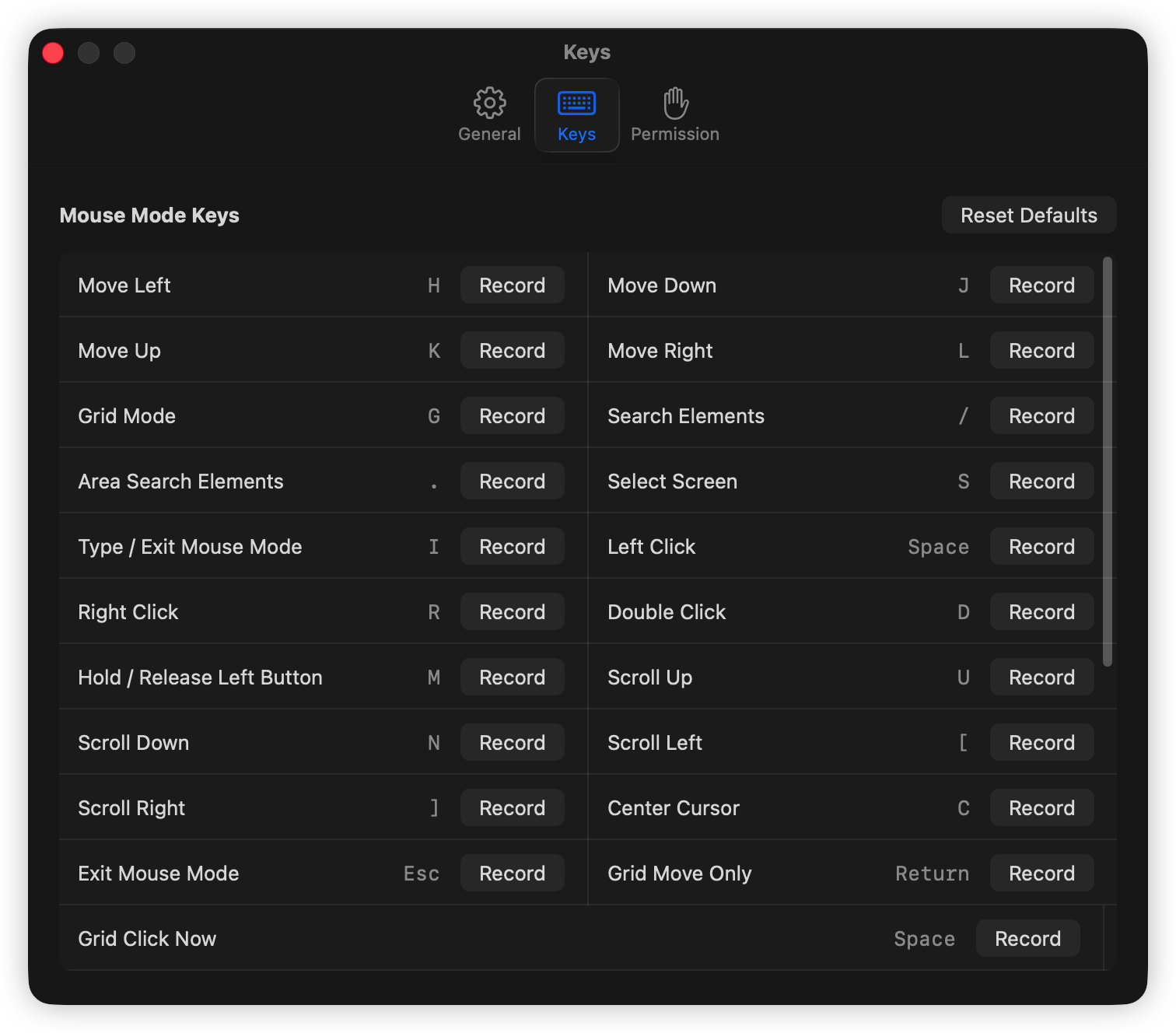
Fully customize every shortcut and modifier to match your exact workflow.
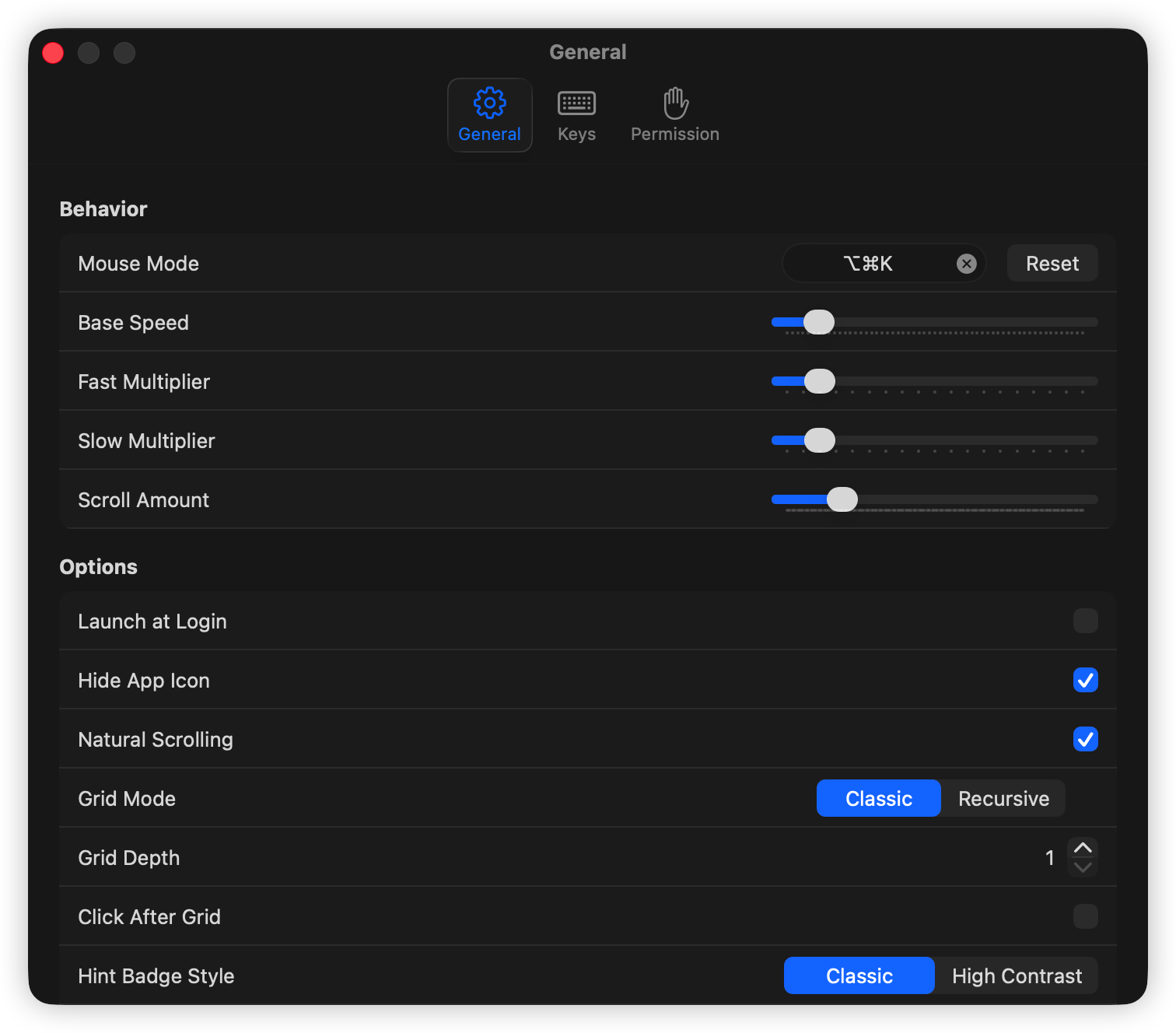
Tune cursor speeds, multipliers, scrolling steps, and smart-exit behaviors.
Key Bindings
| Key Binding | Action |
|---|---|
Cmd + Opt + K |
Toggle Mouse Mode (Global Shortcut) |
H, J, K, L |
Move Cursor Left, Down, Up, Right |
Shift (Hold) |
Slow movement multiplier (precision adjustments) |
Opt / Cmd (Hold) |
Fast movement multiplier |
Space |
Left Click |
R / D |
Right Click / Double Click |
U, N / [, ] |
Scroll Up, Down / Scroll Left, Right |
G |
Grid Navigation Mode (type aa–zz) |
/ / . |
Element Search Mode / Area Search Mode |
S / C |
Display Selection Mode / Center Cursor |
Esc / I |
Exit Mouse Mode |
Download and license
Download the notarized app from GitHub Releases, try it for 7 days, then activate it with a one-time license.
Payment complete
Your license key should also arrive by email. Download the app, open Settings, and paste the key there.