Teach shortcuts without breaking flow.
Show invisible keyboard work during classes, internal trainings, onboarding videos, and product walkthroughs.
 KeyTop
macOS menu bar utility
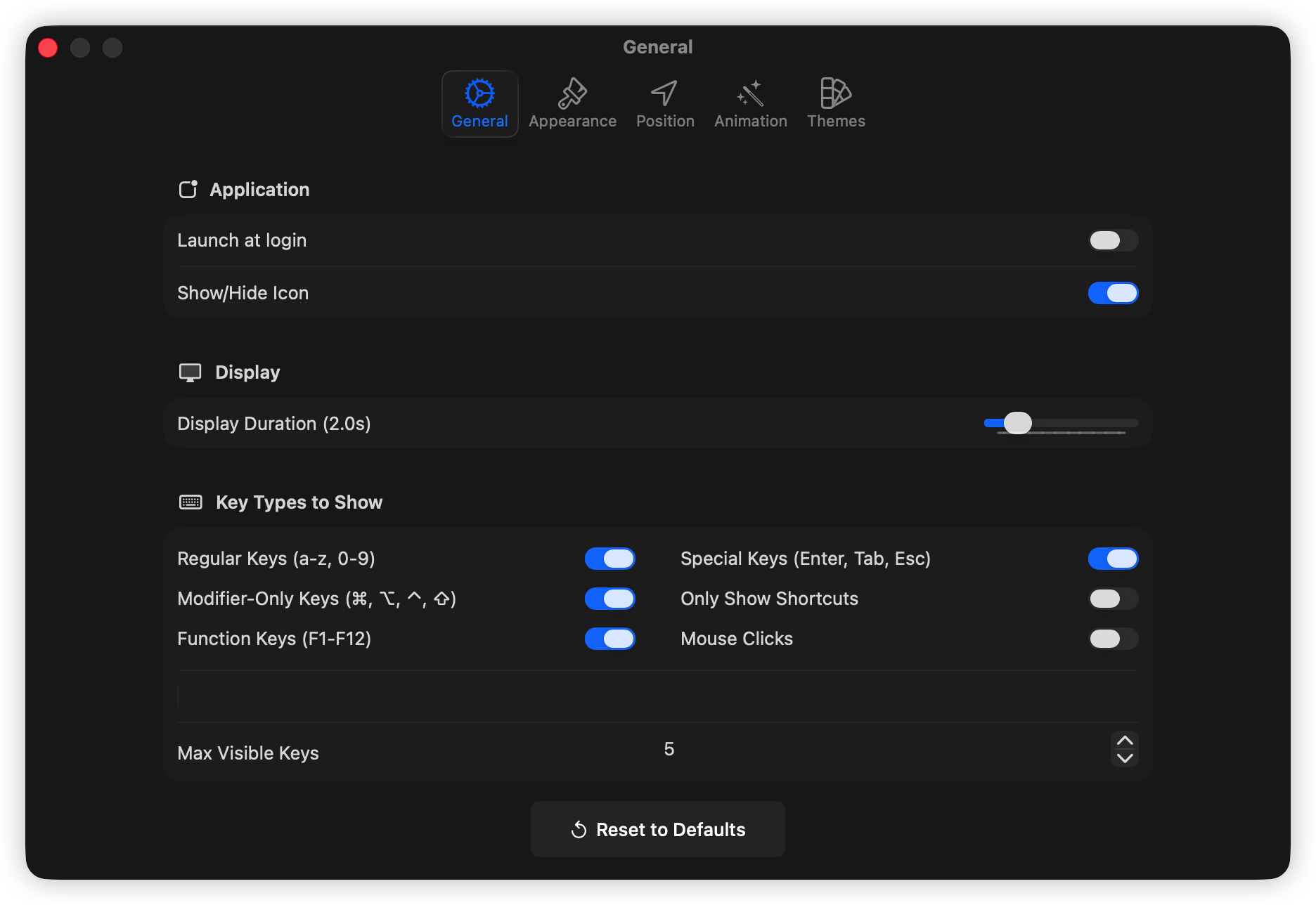
KeyTop shows shortcuts, key presses, and mouse clicks in a floating overlay that looks intentional on recordings, classes, live streams, and client calls.
Includes a 7-day free trial. Download the app and try the full overlay workflow before buying a license.
Live Demo
Format shortcuts while the audience watches.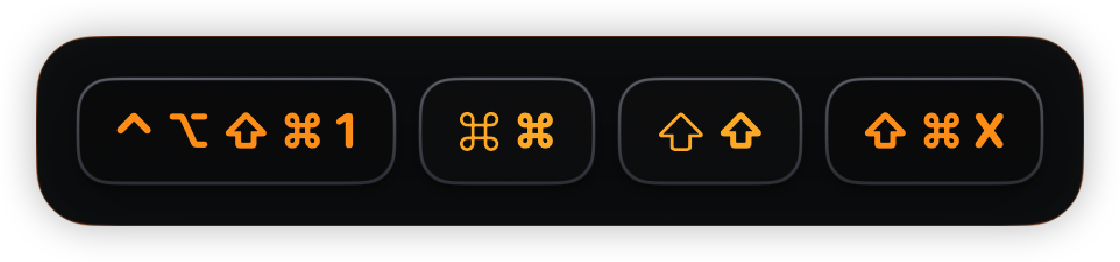
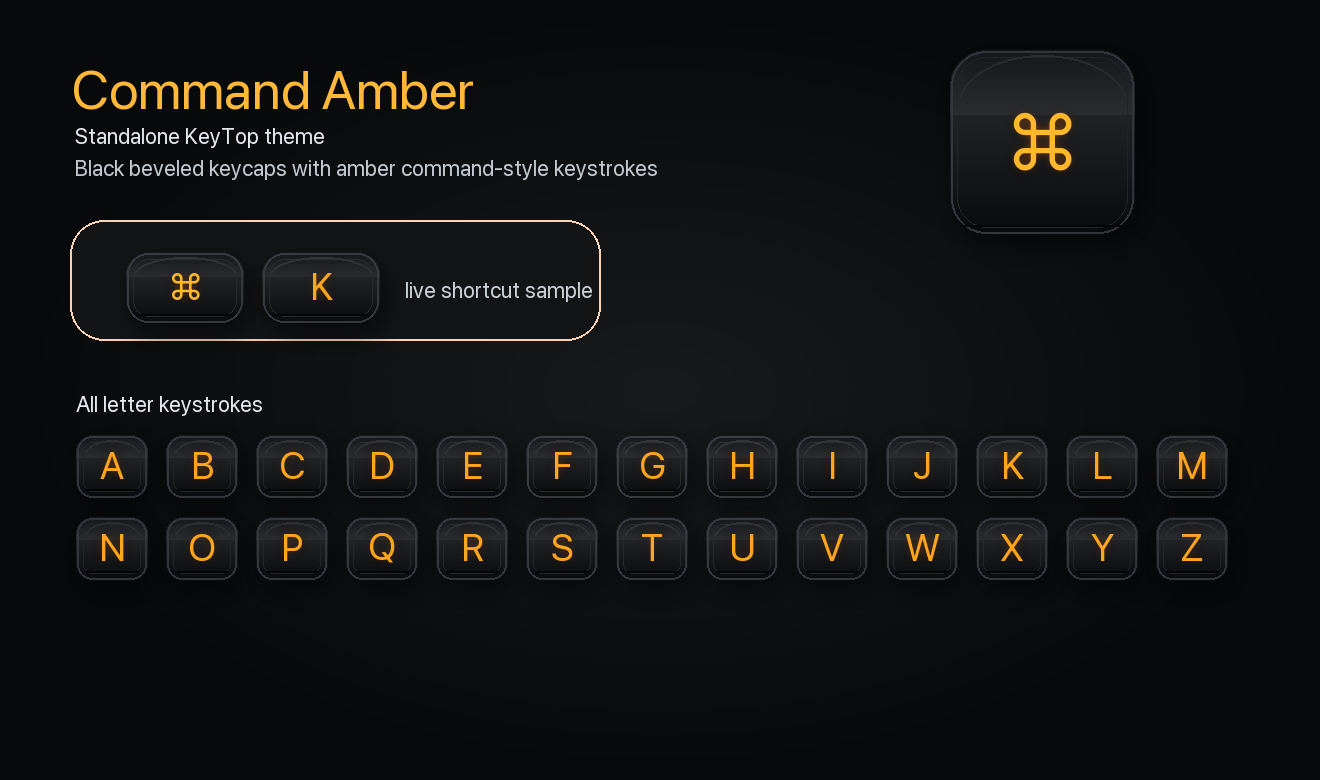
Show invisible keyboard work during classes, internal trainings, onboarding videos, and product walkthroughs.
Use shortcut-only filtering to avoid visual noise while still showing the actions viewers need to repeat.
Display mouse clicks and modifier combinations so remote teammates do not need to ask what just happened.
Creator-grade controls
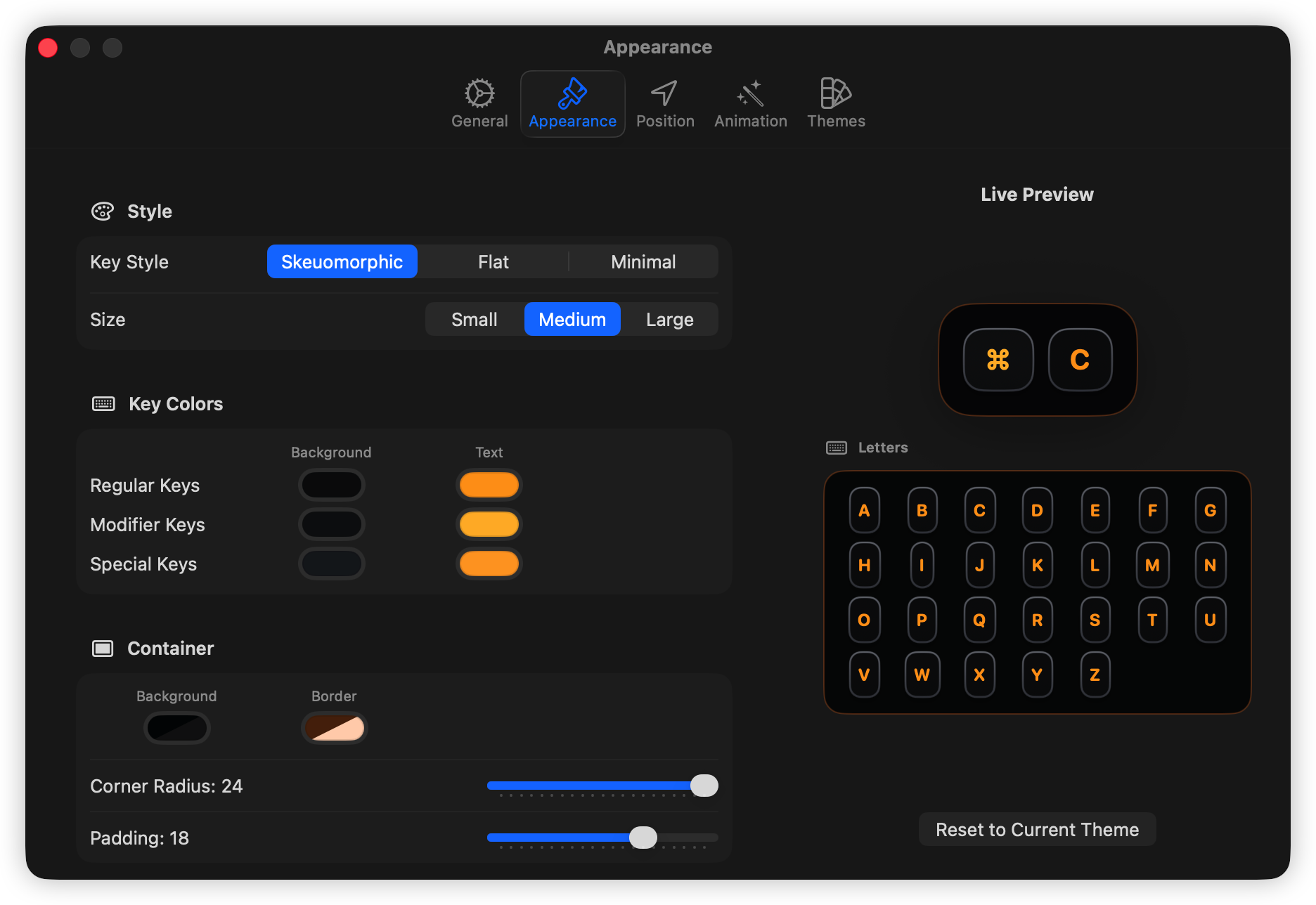
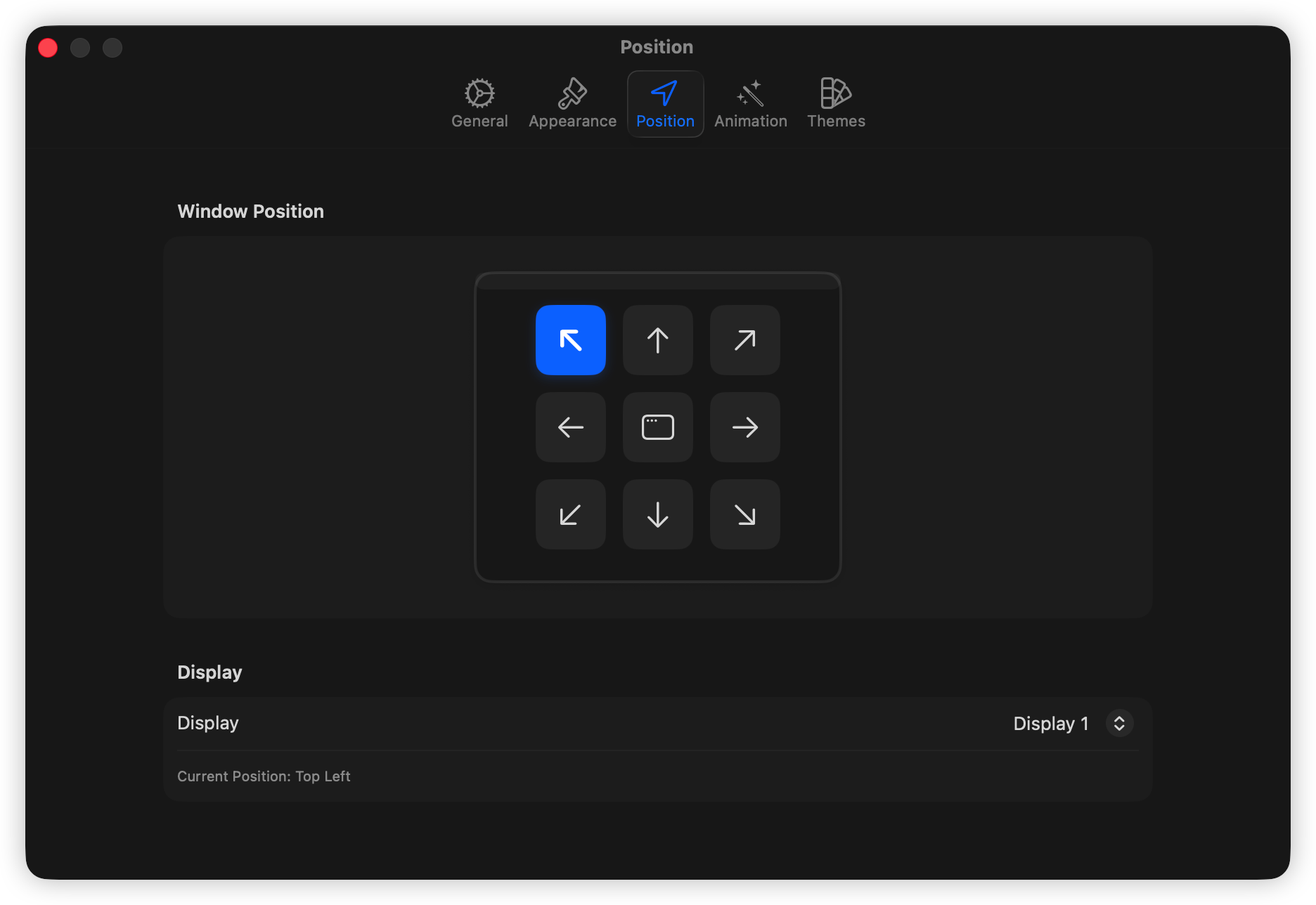
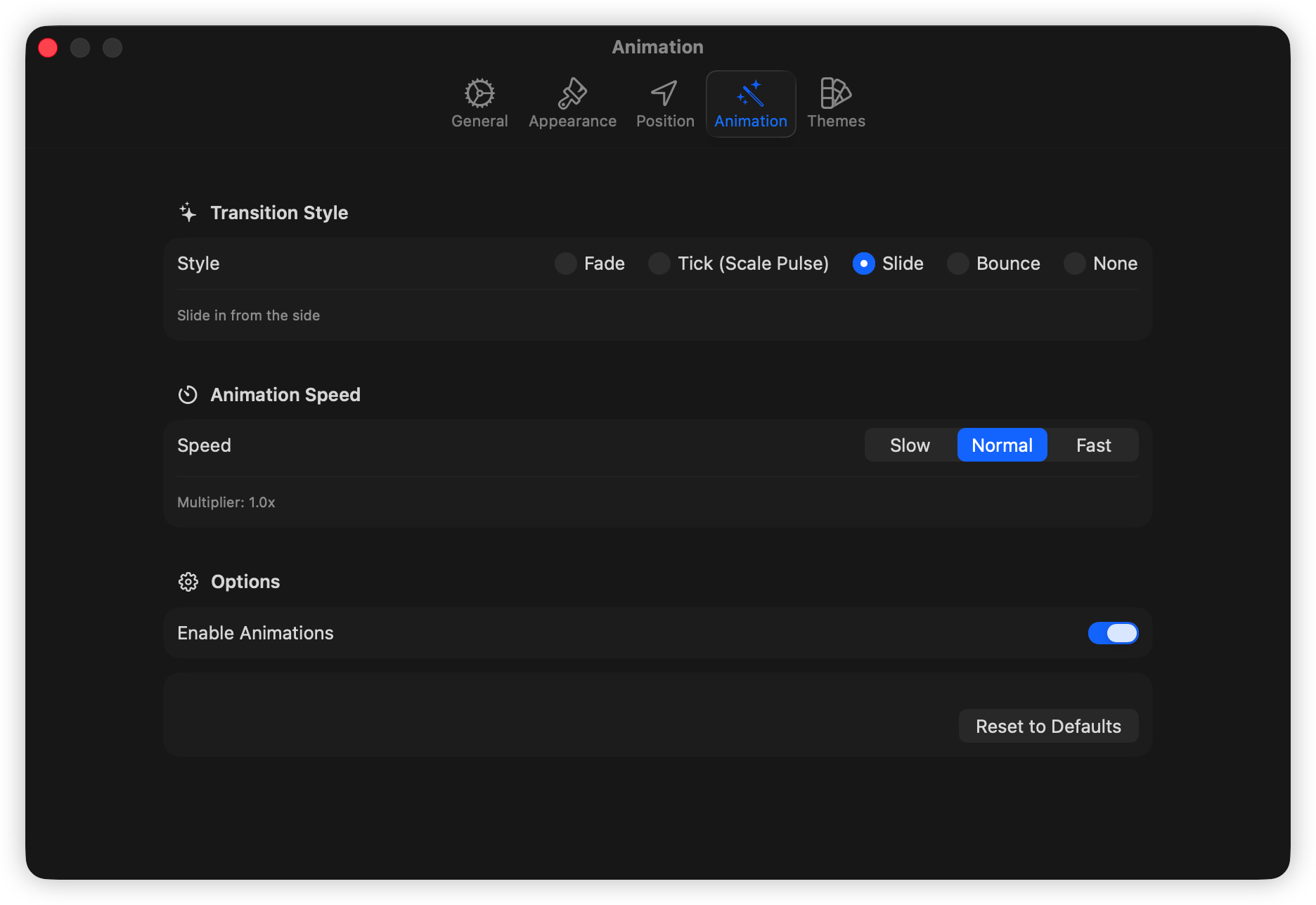
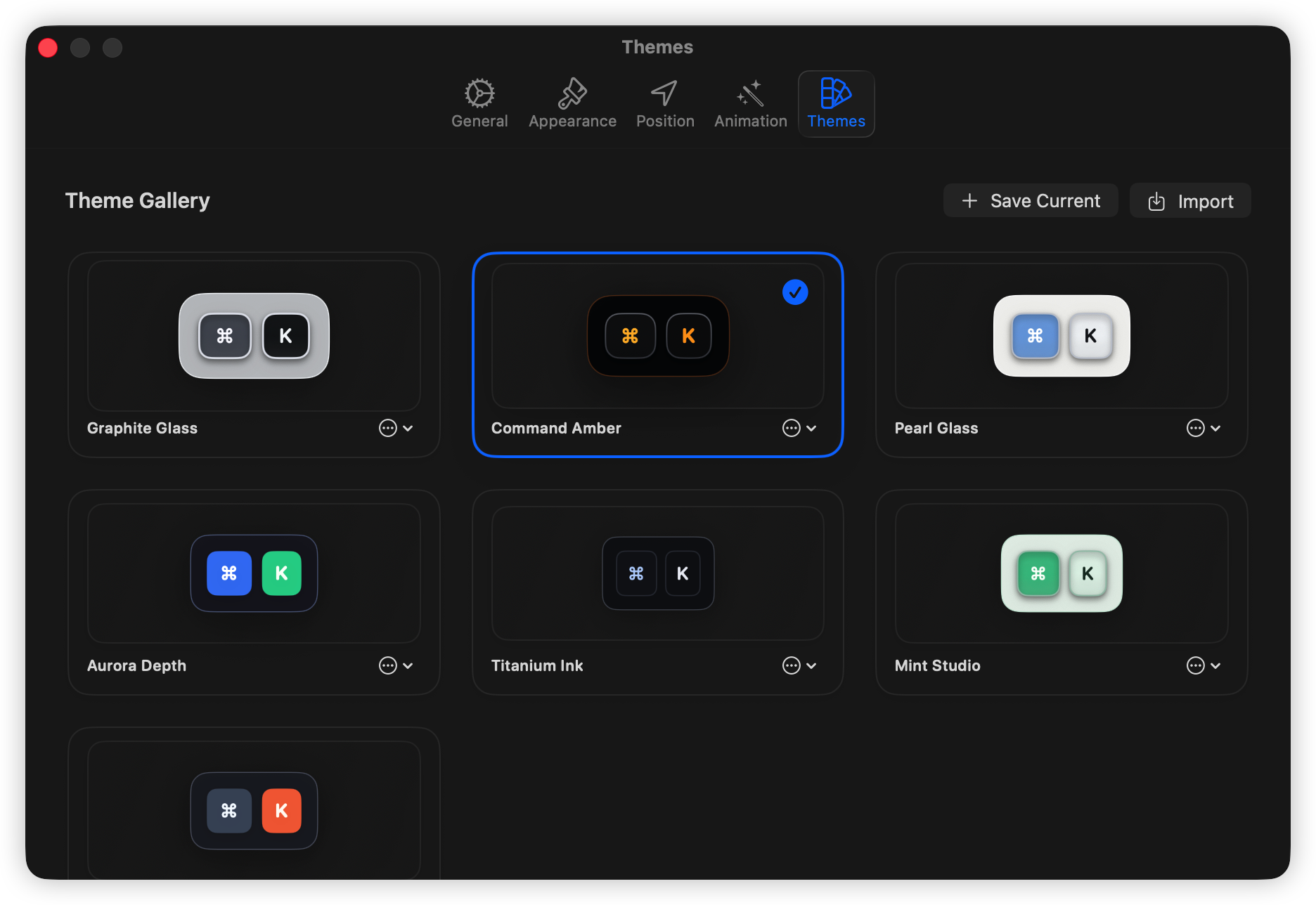
KeyTop includes practical settings for appearance, filters, position, animation, and reusable visual themes.
Privacy-first by design
KeyTop uses macOS Accessibility permission to observe input events and draw the overlay locally.
Password and secure input contexts are filtered so sensitive typing is not displayed.
Licensing verifies your license key; your keystroke stream is not uploaded for overlay rendering.
Download and license
Download the notarized app from GitHub Releases, try it for 7 days, then activate it with a one-time license from Dodo Payments.
Payment complete
Your license key should also arrive by email. Download the app, open the License window, and paste the key there.